You've just got someone's heating back on in the middle of a cold snap, and they've thanked you three times on the doorstep. A week later there's still no review. This guide shows you how to ask at the moment people are most grateful, what to say, and how to stay within Google's rules and UK law while you do it.
In short
- The best time to ask for a review is while the relief is fresh, at the door or within an hour of finishing, not days later with the invoice.
- Make it easy. One short text with your Google review link does more than a polite "if you get a minute".
- Ask every customer the same way, not just the ones who seem happy. Picking and choosing breaks Google's rules and can mislead under UK consumer law.
- Never offer a discount, gift or freebie in return for a review, and never let staff or family write them.
- Winter call-outs give you a steady stream of grateful customers. A simple routine turns that into reviews that win you next winter's work.
Why grateful customers still don't leave reviews
Ask any heating engineer or roofer and they'll tell you the same thing. The customers who were most thankful are often the ones who never leave a review.
It isn't because they didn't mean it. It's because the feeling fades fast. When you fix a burst pipe at 8pm, the customer is relieved, chatty and keen to tell people. By the next morning they're mopping up, ringing the insurer and getting the kids to school. Your job has gone from "lifesaver" to "sorted". By the time your invoice email arrives three days later, it's just another email.
That gap costs you. Every winter emergency you handle well is a review you could have had. And reviews are what the next stressed homeowner looks at when they're deciding who to ring. Someone with water coming through the ceiling in Woking will scroll past a firm with six reviews from 2023 and call the one with recent reviews that say "came out the same evening and fixed our leak".
There are usually three reasons the review never happens:
- Nobody asked at the right time. The ask came too late, or not at all.
- It was too much effort. The customer had to search for you on Google, find the right listing and work out where the review button is.
- The ask was vague. "If you're happy, a review would be nice" is easy to agree with and easy to forget.
All three are fixable, and none of them take long.
When to ask so it actually happens
The goal is simple. Ask while the customer still feels the relief, and make the next step take less than a minute.
The doorstep moment
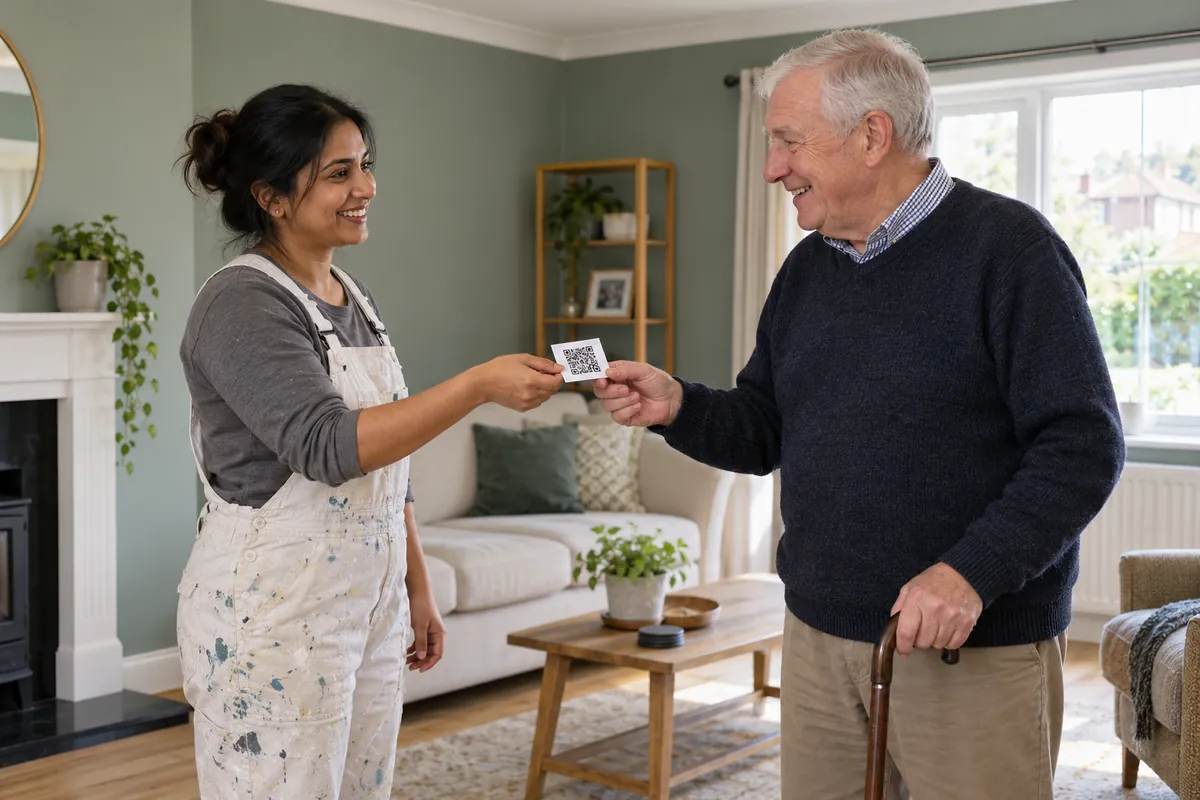
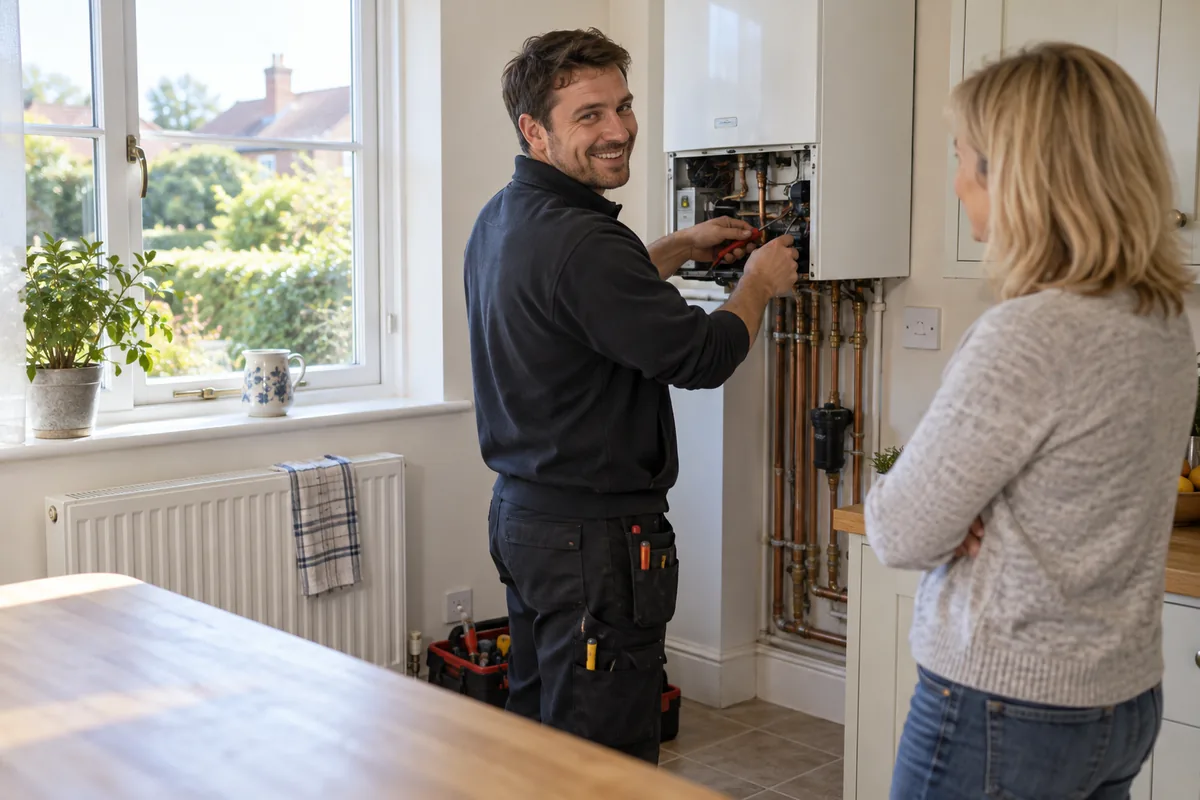
The best moment is usually just after you've shown them the work is done. The radiators are warming up, the drip has stopped, the tarpaulin is off the roof. They're saying thank you. That's your cue.
You don't need a speech. You just need to tell them a text is on its way and that a review genuinely helps a small local firm. Then leave it there. Don't stand over them while they write it. Google's own policy says businesses shouldn't pressure customers into leaving a review while you're with them, so the doorstep is for the ask, not the review itself.
The follow-up text within the hour
Send the review link by text before you've driven to the next job, ideally within an hour. That way it lands while they're still sitting in a warm house thinking about how good it is to have heating again.
Text tends to work better than email for trade work because people read texts quickly and the link opens straight on their phone. If a customer prefers WhatsApp, use that.
One gentle reminder, then stop
If nothing comes through, one short reminder two or three days later is fine. After that, let it go. Chasing more than once starts to feel pushy, and you want them to remember you as the person who saved the day, not the one who kept texting.
How to get your Google review link
Your review link takes customers straight to the box where they write the review, with no searching. Google explains how to create a review link or QR code in its help centre, and it takes about five minutes.
- Sign in to your Google Business Profile.
- Select Read reviews, then Get more reviews.
- Choose Copy to copy your review link.
- To get a QR code, do this on a computer rather than a phone (Google only creates the QR code in a desktop browser), then right-click the code and save the image.
- Save the link as a text shortcut or note on your phone so you can paste it in seconds.
If asking still feels awkward, our guide on how to get more Google reviews without feeling pushy covers the mindset behind it.
What you gain: asking stops being a chore. The link is always in your pocket, so sending it takes ten seconds between jobs.
Word-for-word scripts you can use today
Use these as they are or change them to sound like you. The aim is to be warm, short and specific.
At the door
For a heating engineer in Crawley:
"That's you back up and running. I'll send you a quick text in a bit with a link to our Google page. If you've got a minute to say how we got on, it really helps a small local firm like ours. No pressure at all."
For a roofer in Guildford after an emergency repair:
"That should keep the rain out properly now. I'll text you a link to leave us a review on Google. Honest feedback helps other people round here pick someone they can trust."
The follow-up text
"Hi Sarah, it's Dan from Crawley Heating. Glad we got the boiler going tonight. If you have a minute, could you leave us a quick review on Google? It makes a big difference to a small firm. Here's the link: [your link]. Thanks again, Dan"
Notice what this does. It uses their name and yours, reminds them what you did, and gives them the link. It asks for a review, not a five-star review. That last part matters, and we'll come back to it.
The gentle reminder
"Hi Sarah, just a quick nudge in case the last text got buried. Here's our Google review link if you get a chance: [your link]. Hope the house is nice and warm. Dan"
Helping them write something useful
Many people freeze when faced with an empty review box. It's fine to suggest what might be helpful, as long as you don't tell them what to say or what score to give. Something like this works:
"If it helps, people often mention what the problem was and which town you're in. It helps other people nearby know what we do."
Reviews that mention the job and the area are more useful to future customers than "great service". We've written more about this in our guide to getting Google reviews that mention the job and the town.
Staying on the right side of the rules
This is the part many owners don't know about, and it's worth five minutes of your time. Since April 2025, the UK's Digital Markets, Competition and Consumers Act has made fake reviews, and paid-for reviews that aren't clearly flagged as incentivised, banned outright. In March 2026 the Competition and Markets Authority announced investigations into five businesses over review practices, and it can now fine firms up to 10% of their global turnover.
Those cases involve big names, but the rules apply to everyone, including a sole trader with a van. Google has its own rules on top, and it can remove reviews or restrict your listing if it thinks you've broken them.
Here's what's fine and what isn't, based on Google's policy on fake engagement and the CMA's guidance on fake reviews.
Fine to do
- Ask every customer for an honest review.
- Send your review link by text, WhatsApp or email.
- Put your QR code on invoices, job sheets or a card you leave behind.
- Suggest they mention the job and the town, as long as you leave the content and the score up to them.
- Reply to every review, good or bad.
Not fine
- Offering money off the bill, a discount on the next service or a gift in return for a review. Google's rules ban this whether or not you disclose it.
- Only sending the link to customers you think are happy. Google's policy specifically says businesses mustn't selectively ask for positive reviews, and the CMA's guidance warns that only encouraging satisfied customers can give a misleading picture.
- Asking for "five stars" rather than "a review".
- Getting staff, family or friends to write reviews.
- Offering a refund or a freebie to get someone to change or remove a bad review.
- Making a customer stand there and write the review while you wait.
What you gain: reviews that stick. Reviews gathered fairly don't get removed, and they don't put your listing at risk. They also look real to customers, because they are.
What about the customer who wasn't happy?
Asking everyone means that now and then you'll ask someone who wasn't thrilled. That's normal, and it's not as scary as it sounds.
Google itself says a mix of positive and negative feedback often feels more trustworthy. A profile with 40 glowing reviews and two fair-minded complaints, both with calm, helpful replies, often looks more believable than a perfect five out of five.
If you know something went wrong, deal with it first. Ring the customer, put it right if you can, and then ask for a review in the normal way. What you can't do is make fixing the problem depend on them not leaving a bad review. The CMA's guidance specifically calls that out.
If a poor review does come in, reply politely and briefly. Our guide on how to reply to Google reviews, even the bad ones has replies you can adapt.
Build it into your winter routine
The owners who get the most reviews aren't better at asking. They just ask every time, without thinking about it. Here's a simple routine that takes under two minutes a job.
- Save your review link as a text shortcut on your phone today. (5 minutes, once.)
- Save the follow-up text as a template, with gaps for the customer's name and the job. (5 minutes, once.)
- At the end of each job, say the doorstep line. (10 seconds.)
- Before you drive off, send the text. (30 seconds.)
- Once a week, check who hasn't left a review and send one reminder. (5 minutes.)
- Once a week, reply to every new review. (5 to 10 minutes.)
If you have a team, give everyone the same script and link, and make sure nobody is set targets for a number of reviews or told to get their own name mentioned. Google's policy rules that out too.
How long until you see a difference? Be patient. If you do 15 emergency call-outs a month and ask every customer, you might expect a handful of new reviews each month rather than dozens. Over a winter, that's a steady flow of fresh reviews that say exactly what the next customer needs to hear: you came out quickly, you fixed it and you were good to deal with.
For a commercial cleaner in Horsham the moment is different but the idea is the same. Ask after a deep clean that impressed the client, or after you've stepped in at short notice when another cleaner let them down. Office managers and landlords need a slightly different approach, and a short, specific ask works best.
Common mistakes
- Waiting for the invoice. By then the relief has gone. Ask on the day.
- Making them search for you. Always send the direct link.
- Being vague. "A review would be lovely sometime" rarely turns into one. A clear ask and a link does.
- Only asking the happy ones. It feels safe, but it breaks Google's rules and can mislead customers.
- Offering a sweetener. Even a small discount for a review is banned by Google, and can land you in trouble under UK law if it isn't disclosed.
- Chasing too often. One reminder is plenty.
- Ignoring your reviews once they arrive. A quick thank-you reply shows future customers you care, and encourages others to leave one.
Want help turning grateful customers into reviews?
You do great work every winter. A simple asking routine makes sure that work keeps winning you new customers long after the job's done.
If you'd rather not juggle links and reminders yourself, our Managing Reviews system asks every customer fairly at the right moment, with branded review pages, QR codes and email invitations, and we reply to your Google reviews for you. It's part of how we help trades businesses across Surrey, Sussex and Hampshire get found and chosen. You can see the results for local firms on our success stories page.
Want this done for you?
Driving Local Sales looks after your website, local SEO, Google Business Profile, reviews and monthly content for £225 + VAT a month.
Show me where I'm losing enquiries: a free, no-obligation 30-minute call. Or read how it works.
Prefer to learn first? Join our free Thursday Lunch 'N' Learn session, or call Philip on 01306 480440.