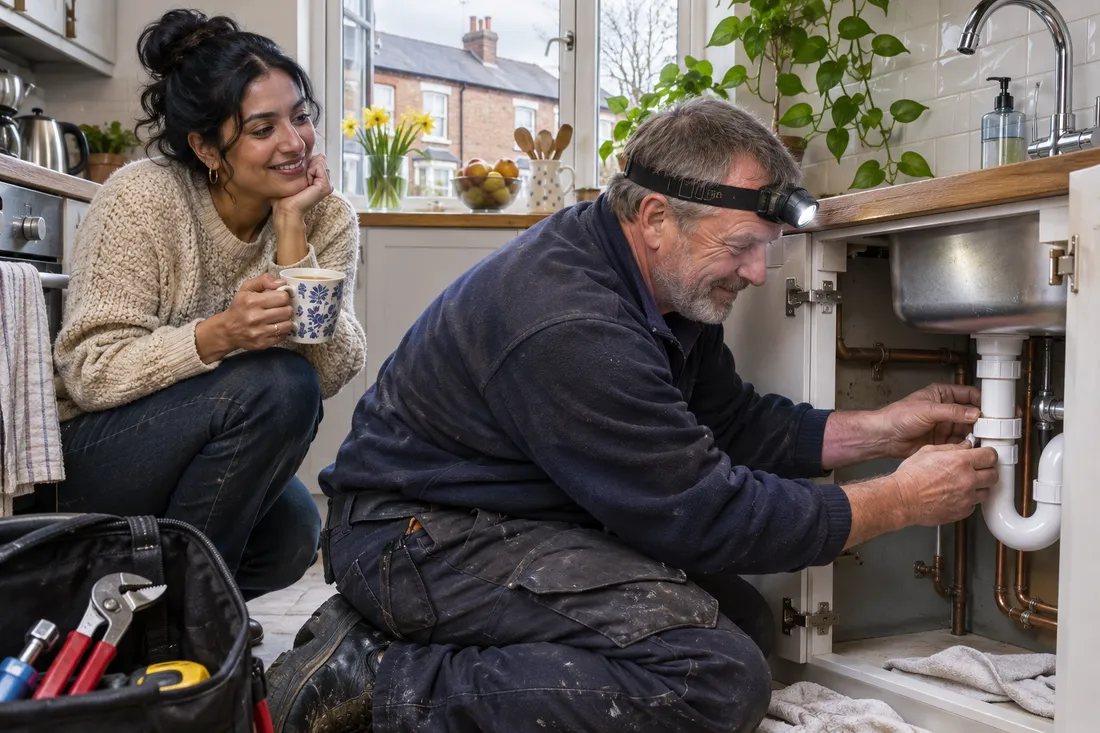
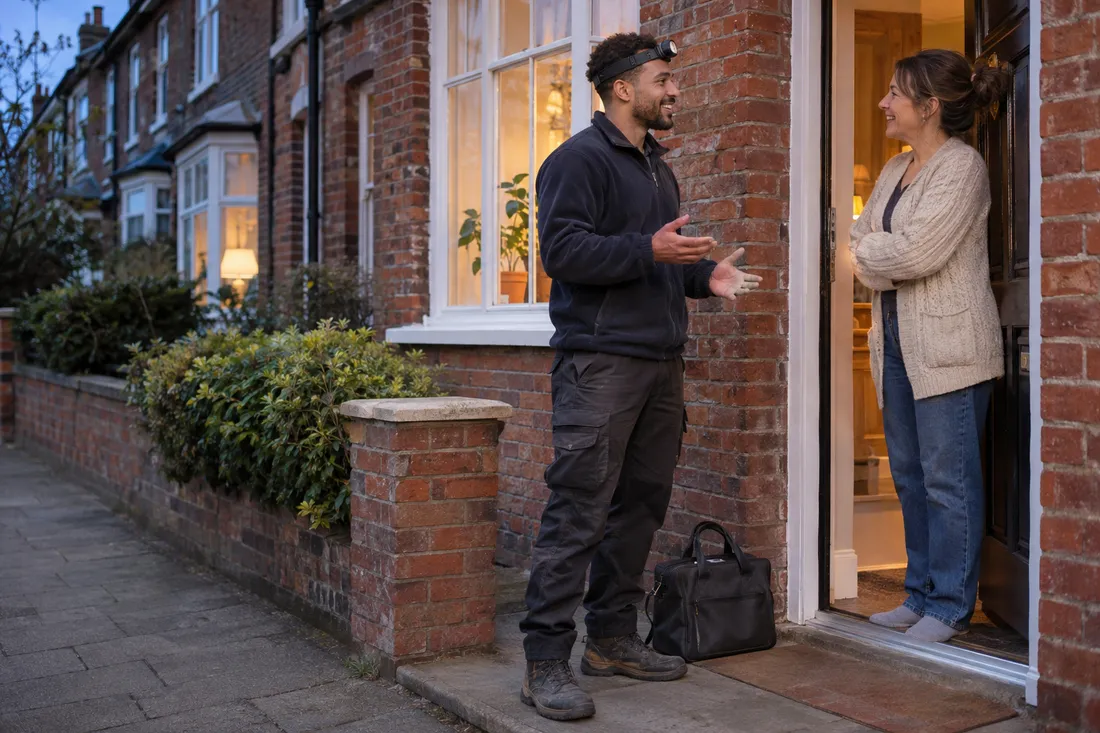
It's Boxing Day. A homeowner in Crawley has no hot water, a house full of relatives and a phone in their hand. They search Google, see your name with "Open" next to it, and ring. Nobody answers. They try the next firm, book them, and that firm gets the boiler service in spring too.
Or the opposite happens. You're working through Christmas week, but Google shows you as closed, so the call never comes. Both problems take about ten minutes to fix. This guide shows you exactly how, before the rush starts.
In short
- Google shows your opening hours on Search and Maps, and over Christmas those hours decide whether people ring you or someone else.
- Google's "special hours" setting lets you change individual days without touching your normal hours. It takes about ten minutes.
- This year the bank holidays in England and Wales are Friday 25 December, Monday 28 December (Boxing Day moves because the 26th is a Saturday) and Friday 1 January.
- If you offer emergency cover, say so clearly on Google and on your website, with the number to ring.
- Do it in early December, then check it again the week before Christmas.
What wrong Christmas hours really cost you
Most owners think of their opening hours as a box they filled in once and forgot about. Over Christmas, that box does a lot of work.
When someone looks you up, Google shows whether you're open right now. If your normal hours say Monday to Friday, 8am to 5pm, Google will assume you're open on Monday 28 December, because it doesn't know you've shut for the week. That costs you in three ways.
- Missed calls that turn into lost customers. Someone with a leak or a dead boiler won't leave a voicemail and wait. They ring the next name on the list. If that firm does a good job, you've lost a customer who might have used you for years.
- Annoyed people who leave reviews. "Says open, nobody answered" is a common complaint in one-star reviews. It's unfair when you're with your family, but the review still sits there in January.
- Work you never hear about. If you're actually working between Christmas and New Year, and Google says you're shut, people who want a quote that week simply won't ring.
Here's what you gain by getting it right. People who find you closed know when you're back, so many will wait or book ahead instead of going elsewhere. People who need you urgently can see that you do emergency cover. And customers trust a business that has clearly thought about them, even when it's shut.
Why this matters more this Christmas
On 16 November Google announced that Ask Maps is coming to more than 30 European countries, and its holiday features announcement the same day named the UK among them. Ask Maps is an assistant inside Google Maps. Instead of typing "plumber Crawley", people can ask a full question, like "who can fix a leaking pipe near me today?"
Google says Ask Maps draws on information about more than 300 million places and reviews from more than 500 million people. Google hasn't said exactly which listing details it uses for each answer. But whether a business is open is about the most basic thing a customer cares about, and Google's own announcement says its trip plans show whether a place is open. If your listing says the wrong thing, there's a good chance the answer will too.
So the old rule still applies, just more strongly. Whatever is on your Google Business Profile is what Google tells people about you. Keep it accurate and you give yourself the best chance of being suggested when someone needs you.
The dates to plan around this year
These are the bank holidays in England and Wales over Christmas, taken from gov.uk.
- Friday 25 December 2026, Christmas Day.
- Monday 28 December 2026, Boxing Day (substitute day). Boxing Day itself falls on a Saturday this year, so the bank holiday moves to the Monday.
- Friday 1 January 2027, New Year's Day.
Watch the Boxing Day switch. Lots of people will think of Saturday 26th as "Boxing Day" and Monday 28th as a normal working day. Customers will be confused too. Setting each day clearly on Google saves you a lot of "are you open today?" calls.
Don't forget the days that aren't bank holidays but that most firms treat differently, like Christmas Eve (Thursday 24 December), New Year's Eve (Thursday 31 December) and the "twixmas" days in between.
Step by step, how to set your special hours on Google
Google calls these "special hours". They let you change opening times on particular dates without touching your normal week. Once the date has passed, your usual hours come back on their own. Here's how to do it, based on Google's own help page.
Before you start, check this one setting
Special hours only show if your profile is set to "Open with main hours". Some service-area businesses, such as mobile trades who don't have a shop, have their hours hidden. If yours are hidden, Google won't show your Christmas hours either. To check, go to Edit profile, then Hours, and look at the "Business hours" section.
The steps
- Sign in with the Google account that manages your profile and search for your business name, or go to business.google.com.
- Select Edit profile, then Hours.
- Find Special hours and select the pencil icon to edit.
- Google often suggests upcoming holidays. Select Review to confirm one, or Add a date for any other day, like Christmas Eve.
- For each date, either tick Closed, or untick it and enter the times you're open.
- If you're open in two separate blocks that day (say, 8am to 12pm and then on call in the evening), use More, then Add hours.
- Select Save.
That's it. Set every date in one go. For most businesses it takes ten minutes, and you won't need to touch it again until next year.
One more thing from Google's help page worth knowing. Google recommends confirming your hours for official holidays even if you're open as normal. If you're working on 28 December, set it as a special day with your normal hours. That tells Google, and the people searching, that you've actually checked.
A worked example
Here's how a heating engineer in Horsham who offers emergency cover might set things up.
- Thursday 24 December, 8am to 1pm.
- Friday 25 December, closed.
- Monday 28 December, 9am to 12pm (emergency calls only, explained in the post and on the website).
- Tuesday 29 to Wednesday 30 December, normal hours.
- Thursday 31 December, 8am to 2pm.
- Friday 1 January, closed.
A commercial cleaner in Guildford whose office clients are shut would look different. They might close from 25 December to 1 January, but still answer the phone for urgent jobs like post-flood cleans.
If you're closing for more than six days
Google says special hours are for changes or closures of up to six days in a row. For seven days or more, it points you to marking the business as "temporarily closed". Be careful with that. A temporarily closed label is a strong message, and some people will assume you've stopped trading.
If you can, keep at least some days open, even if it's a short window for urgent calls. If you do need to close for longer, set a clear reopening date and make sure your website says the same thing.
How to show emergency cover so the right calls still reach you
For a lot of trades, Christmas is when the most urgent and best-paid jobs come in. Frozen pipes, failed boilers, storm damage, blocked drains. If you offer any cover at all, make it obvious. Here's how.
Put up a Google post
Google posts appear on your profile and are a simple way to explain your Christmas plans. Add one in early December. Here's a version you can adapt.
Example post. "Our Christmas hours. We're open as normal until 1pm on Christmas Eve, closed on Christmas Day and New Year's Day, and back to normal hours from Tuesday 29 December. Boiler broken over Christmas? We're covering emergency call-outs for existing customers across Horsham and Crawley. Ring [your number] and leave a message. We'll call back within the hour."
Keep it honest. Only promise what you'll really do. If you can't call back within the hour on Christmas Day, don't say so.
Make sure messages don't go unanswered
If people can message you from your Google profile, such as through WhatsApp or chat, think about who will see those messages over Christmas. An unanswered message feels just as bad as an unanswered call. We covered how to handle these in our guide to turning WhatsApp messages from Google into booked jobs. If nobody will be watching, set an automatic reply that gives your hours and your emergency number.
Change your voicemail
Your voicemail is the next thing people hear if they ring while you're away. Record a seasonal one. Here's a script.
"Hi, you've reached Smith Heating. We're closed for Christmas and back on Tuesday 29 December. If you've got no heat or hot water, leave your name, address and number and we'll ring you back today. For anything else, leave a message and we'll call you when we're back. Merry Christmas."
It's simple, but it turns a call that would have gone to a competitor into a job you can book.
What to put on your website so customers aren't left guessing
Google is only one place people check. Many will click through to your website before they ring, especially for bigger jobs. If your site says "Open Monday to Friday" with no mention of Christmas, they're left guessing.
- Add a short notice near the top of the home page. One or two lines, with your Christmas dates and your emergency number if you have one.
- Update your contact page. This is where people go to find your hours, so make it match Google exactly.
- Say when you'll reply to quote requests. "Quote requests sent between 24 December and 1 January will be answered on 4 January" stops people thinking you've ignored them.
- Take it down in January. An old Christmas notice in February makes a business look like nobody's minding it. We wrote about this in small details that make your website look like you've closed down.
If you do emergency work, Christmas is also a good time to check your emergency pages are pulling their weight. Our guide on how to make your website win the winter emergency call goes through it step by step.
The gain here is simple. When your website and Google say the same thing, people trust both. When they disagree, people wonder which one is right, and some of them just ring someone else.
Common mistakes
- Changing your normal hours instead of setting special hours. If you change your normal hours to "closed" for Christmas week, you have to remember to change them back. Many people forget, and spend January looking shut. Special hours switch back on their own.
- Forgetting the Boxing Day switch. This year the bank holiday is Monday 28 December, not Saturday 26th. Set both days to match what you're really doing.
- Only setting Christmas Day. Christmas Eve, New Year's Eve and the days in between are when most confusion happens.
- Leaving your hours hidden. If your profile is set to show no main hours, your special hours won't show either.
- Promising cover you can't give. If you say you'll answer emergency calls and don't, that's how you end up with an angry review.
- Not checking what's live. Google can sometimes accept changes suggested by other people. Google says that when an edit needs your review, you usually have four days to accept or reject it, and that if you don't, it may publish the change anyway when other information supports it. You can read more on Google's help page on suggested edits. Search for your business the week before Christmas and check it says what you expect.
Your ten-minute Christmas checklist
- Decide which days you're open, closed or on emergency cover only.
- Check your Google profile is set to "Open with main hours".
- Add special hours for 24, 25, 28 and 31 December, and 1 January, plus any others.
- Add a Google post explaining your Christmas plans and any emergency cover.
- Add a short notice to your website home page and contact page.
- Record a Christmas voicemail.
- Set an auto-reply for messages and emails.
- Check what Google actually shows, about a week before Christmas.
- Put a reminder in your diary for early January to take the notices down.
If you want a wider look at your listing while you're in there, our 12 Google Business Profile fixes that bring in more calls is a good place to start.
Want help getting ready for Christmas?
Getting your hours right is a small job, but it's one of many small jobs that decide whether a local business gets the call. If you'd like someone to look at the whole picture, from your Google profile to your website, we're happy to help. We work with trades and local service businesses across Surrey, Sussex and Hampshire.
Book a free 30-minute call and we'll show you where you might be losing enquiries, with no pressure and no jargon. Show me where I'm losing enquiries.
Or come along to our free Thursday Lunch 'N' Learn session, where we cover practical ways to win more local work. Prefer to talk? Call us on 01306 480440.